Hidy Vault
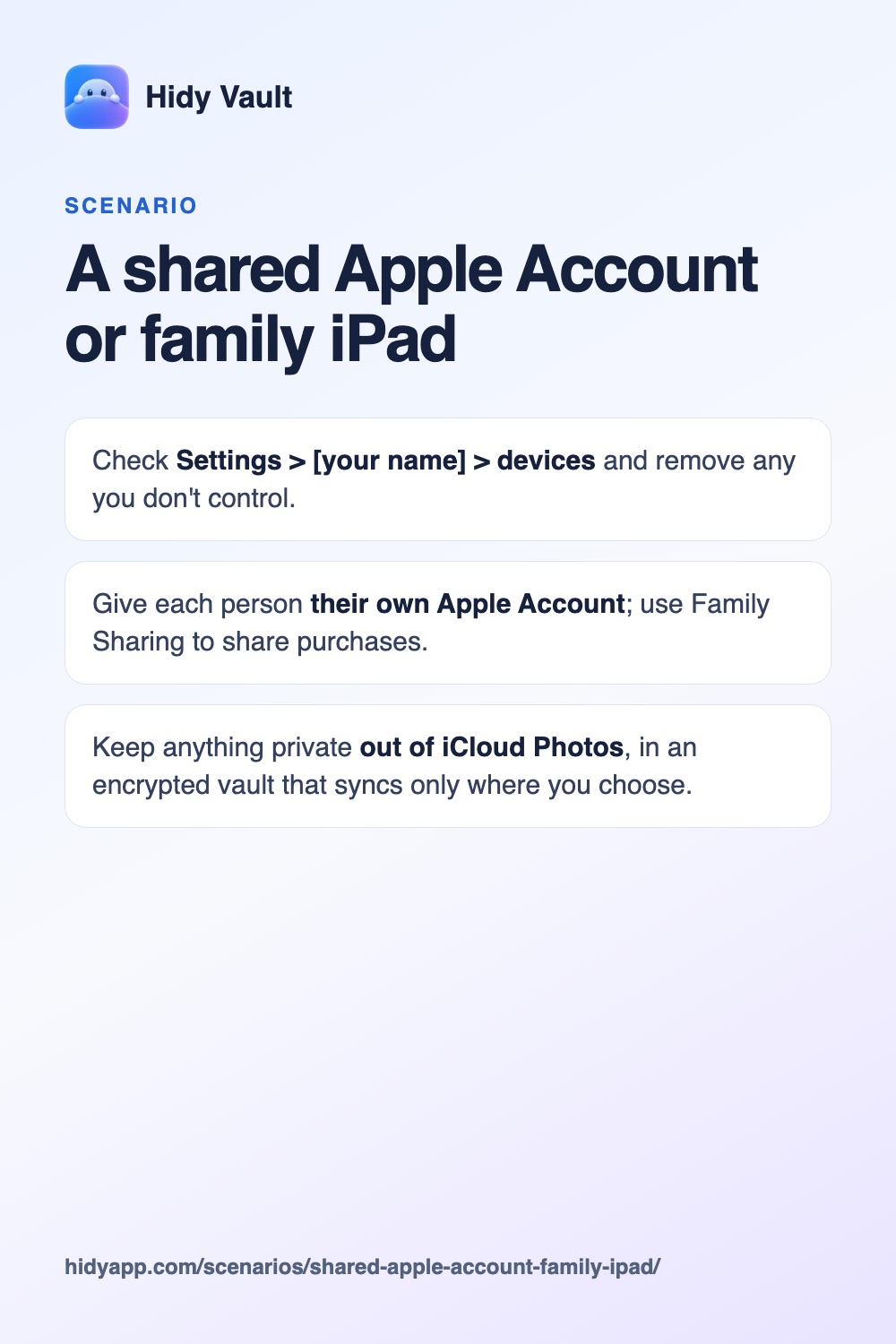
A shared Apple Account or family iPad
With iCloud Photos on, your library appears on every device signed in to your Apple Account. A family iPad, an old Mac or a parent's phone signed in to "your" account shows your photos to whoever uses it, including the Hidden album if they know that device's passcode.
- Check Settings > [your name] > devices and remove any you don't control.
- Give each person their own Apple Account; use Family Sharing to share purchases.
- Keep anything private out of iCloud Photos, in an encrypted vault that syncs only where you choose.
How it happens
Families often set up an iPad with a parent's Apple Account, or keep an old Mac signed in. iCloud Photos does exactly what it promises: the same library everywhere. Nobody chose to share private photos. The account did it.
Fix the account first
- On your iPhone, open Settings, tap your name and scroll to the device list. Remove devices you don't use or don't control.
- On a shared iPad, sign in with the child's or family member's own Apple Account instead of yours.
- Use Family Sharing for apps and subscriptions; it doesn't share your library.
Hidy Vault keeps photos, videos and documents in encrypted vaults that open only with a pattern you draw. No account, no Hidy server. Free for 3 vaults.
Then keep private files out of the library
Even with the account fixed, a library that syncs everywhere is a big surface. Move what's private into Hidy Vault. A vault exists only on devices where you restore or sync it with its recovery phrase.
On a shared account, you may want to stop this iPhone from syncing photos without changing the whole account.
A shared photo library is one more place photos travel, so it is worth knowing how to leave or delete a Shared Library.
Checklist
- Device list on your Apple Account contains only your devices.
- Shared iPad uses its own Apple Account.
- Private photos moved to a vault and deleted from iCloud Photos (and Recently Deleted).
Frequently asked questions
Do hidden photos appear on my other devices?
Yes. Apple says photos you hide on one device are hidden on your other devices too when you use iCloud Photos. They're still part of the library there, behind that device's lock.
Can Family Sharing see my photos?
Family Sharing shares purchases and some features, not your photo library. Shared albums and an iCloud Shared Photo Library are separate choices.
Does a Hidy vault appear on every device?
No. A vault exists only where you restore or sync it with its recovery phrase.