 Hidy Vault
Metadata cleaner app: remove C2PA on iPhone
No built-in iPhone setting removes C2PA metadata. Apple's Photos controls cover location data only. A metadata cleaner app is the only route for C2PA, and results vary by app.
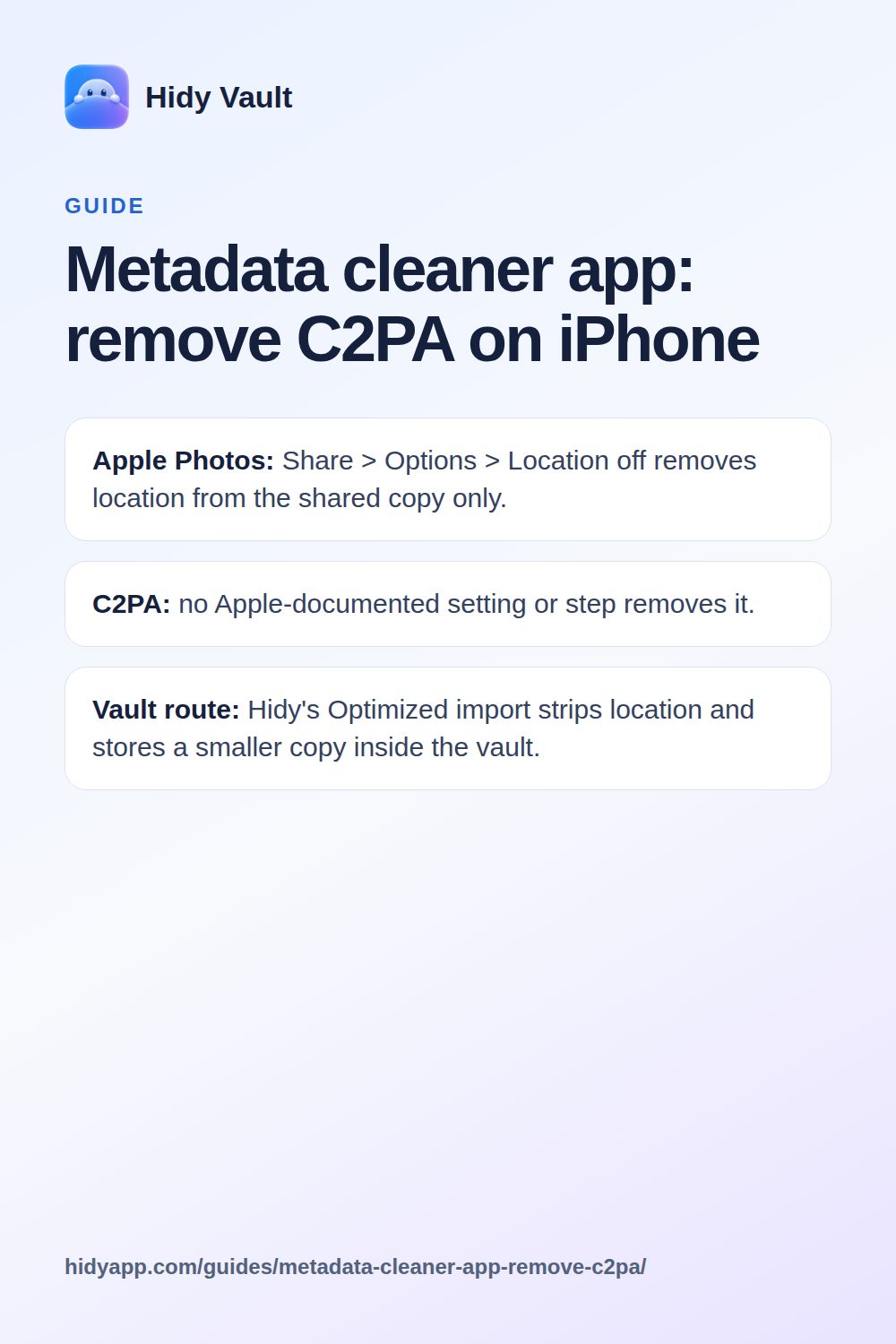
- Apple Photos: Share > Options > Location off removes location from the shared copy only.
- C2PA: no Apple-documented setting or step removes it.
- Vault route: Hidy's Optimized import strips location and stores a smaller copy inside the vault.
What is C2PA metadata, and why can't I remove it on iPhone?
C2PA is a content credential standard. It attaches a signed record to a file, describing where it came from and what was done to it. Some cameras and apps write these credentials into photos.
Apple's documented Photos controls cover location information. They do not include a step for removing C2PA credentials. So there is no built-in iPhone switch that strips them.
That is the honest starting point. A metadata cleaner app may help, but only if it explicitly handles C2PA. Many do not.
What iPhone Photos can actually remove
Apple documents two location controls. Both are narrow, and neither touches C2PA.
- Share without location: select a photo, tap Share, tap Options, turn off Location, then tap Done. Apple says this removes location information from the shared copy.
- Stop future location recording: go to Settings > Privacy & Security > Location Services > Camera and choose Never. This affects new photos taken with Camera.
Apple does not document either step as removing other metadata or C2PA credentials. The share option changes the copy you send, not the original in your library.
Photos also offers Clean Up for removing distracting objects from an image. Apple documents it as an image-editing feature, not a metadata tool.
Hidy Vault keeps photos, videos and documents in encrypted vaults that open only with a pattern you draw. No account, no Hidy server. Free for 3 vaults.
Why a metadata cleaner app may not remove C2PA either
C2PA credentials are not ordinary EXIF fields. They sit in a structured manifest, often with a cryptographic signature. Removing them cleanly takes deliberate support for that format.
Before you trust a cleaner app, check three things:
- Does its documentation name C2PA? If it only lists EXIF, GPS and date fields, assume it leaves credentials alone.
- Does it edit the original or a copy? Some apps export a cleaned copy and leave the original untouched in Photos.
- Where does the cleaned file go? If it lands back in your camera roll, you have not reduced what is on the phone.
If an app cannot answer these questions, treat its C2PA claims as unproven.
What Hidy Vault does, and what it does not
Hidy Vault is an encrypted vault for iPhone, coming to the App Store. It is not a metadata cleaner, and it does not claim to strip C2PA.
What it does offer is a different route. When you import photos and videos from Photos, the default import quality is Optimized. Hidy stores a smaller copy (HEIC or JPEG, up to 3,024 px) and removes location data from photos and videos. Original keeps files exactly as they are.
Those imported files are encrypted inside the vault with AES-256-GCM. File contents, names, thumbnails, folders and notes are all encrypted. The vault unlocks with a pattern you draw on a 5×5 grid.
Hidy's own camera saves straight into the vault. Those photos never reach the Photos library.
If you want to try it, Hidy Vault is the place to start.
Comparing the options
| Approach | Removes location | Removes C2PA | Keeps file off the camera roll |
|---|---|---|---|
| Photos share options (Location off) | Yes, on the shared copy | Not documented | No |
| Camera location set to Never | Future photos only | No | No |
| Third-party metadata cleaner | Varies | Varies; check its docs | Varies |
| Hidy Vault, Optimized import | Yes, on import | Not claimed | Yes, encrypted in the vault |
The table shows the trade-off. Apple's tools handle location. C2PA removal depends on a third-party app that supports it. A vault keeps the file out of the library but does not promise to strip credentials.
Limits you should know
- No Apple C2PA removal. Apple documents location controls only. Do not expect a hidden setting.
- Cleaner apps vary. Without a named C2PA feature in the app's documentation, assume credentials remain.
- Hidy does not strip C2PA. Optimized import removes location data and shrinks the file. It does not claim to remove content credentials.
- Sharing out of Hidy gives a readable copy. Once a file leaves the vault, the recipient has it.
- No outside security review yet. Hidy's encryption is built on standard primitives, but no third party has reviewed it.
If C2PA removal is your main goal, test a cleaner app on a copy first and verify the result. If your goal is keeping private photos out of the camera roll and off other apps' view, a vault is the more direct tool.
Frequently asked questions
Can I remove C2PA metadata with iPhone Photos?
No. Apple documents location controls for sharing and camera recording. It does not document any step that removes C2PA credentials from a photo.
Does turning off Location when sharing remove all metadata?
No. Apple says the Location option removes location information from the shared copy. It does not document removal of other metadata or C2PA.
Will a metadata cleaner app definitely remove C2PA?
Not necessarily. Check the app's own documentation. Many cleaners target EXIF fields and leave embedded manifests untouched.
Does Hidy Vault remove C2PA?
Hidy does not claim to strip C2PA. Its Optimized import removes location data from photos and videos and stores a smaller copy encrypted in the vault.