 Hidy Vault
Apple Intelligence photo scanning on iPhone
Apple Intelligence lets you search your Photos library with a plain description, like "Maya skateboarding in a tie-dye shirt." It reads your library to answer, and it runs on iPhone 16 models, iPhone 15 Pro and iPhone 15 Pro Max with iOS 18.1 or later.
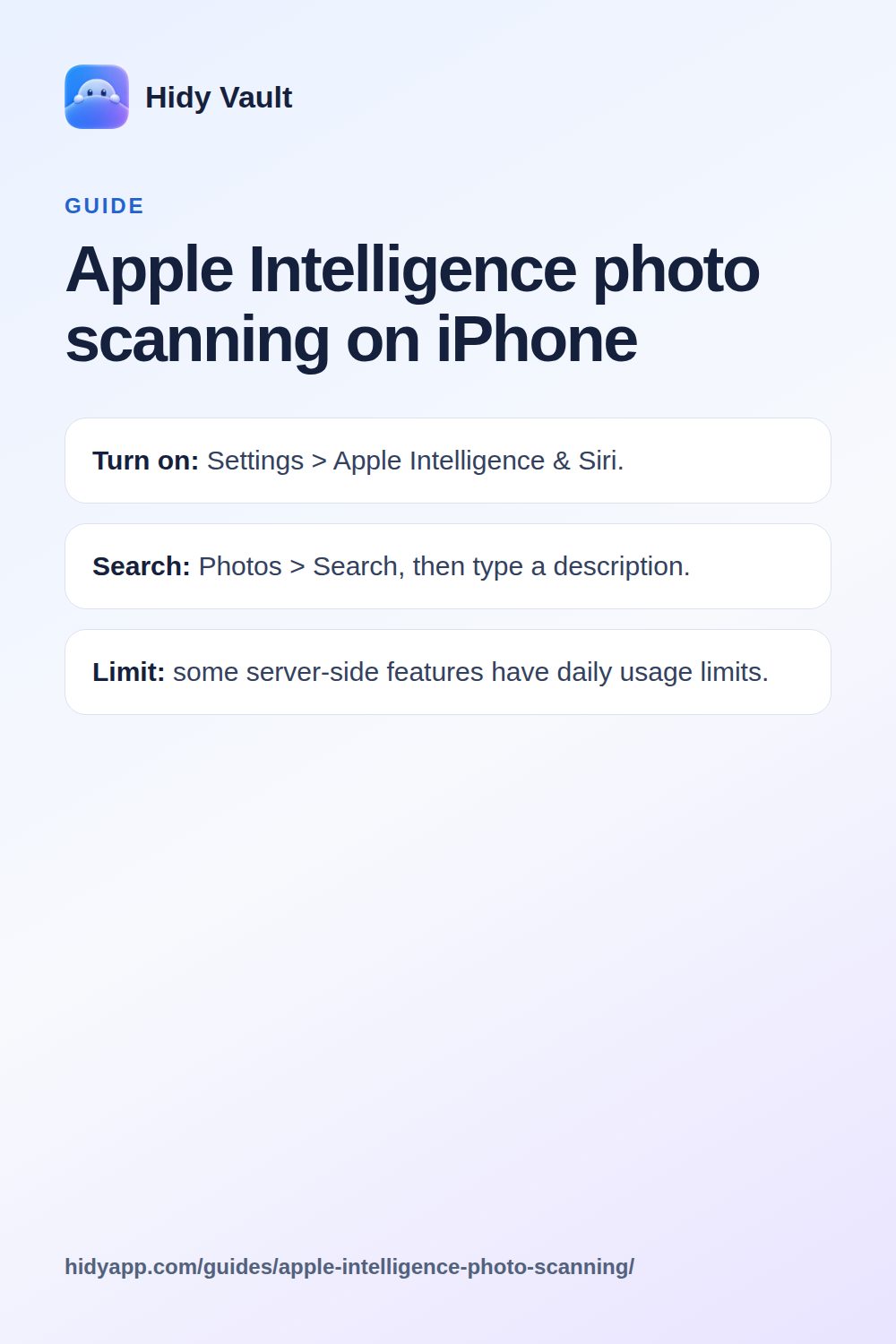
- Turn on: Settings > Apple Intelligence & Siri.
- Search: Photos > Search, then type a description.
- Limit: some server-side features have daily usage limits.
What does Apple Intelligence actually do with your photos?
Two things matter for privacy. First, photo search. You open Photos, tap Search, and type a description in plain words. Apple's example is "Maya skateboarding in a tie-dye shirt." The app returns matching photos.
Second, memory movies. Apple Intelligence builds a movie from your library.
Both features work by understanding what is in your photos. That is the point. A search for "tie-dye shirt" only works if the software can tell a tie-dye shirt from a plain one. So the feature reads your library, not just the file names.
Where does the scanning happen?
Apple's support pages do not break down, photo by photo, which part of a Photos request runs where. Do not assume every photo search stays on the iPhone.
Apple says some server-side Apple Intelligence features are subject to daily usage limits. Apple does not publish a fixed number for Photos. Limits can vary by feature, request complexity, system demand and system policy.
Hidy Vault keeps photos, videos and documents in encrypted vaults that open only with a pattern you draw. No account, no Hidy server. Free for 3 vaults.
Which iPhones get it?
Apple documents Apple Intelligence for iOS 18.1 or later, on all iPhone 16 models, iPhone 15 Pro and iPhone 15 Pro Max. Availability also depends on language and region. For other regions, check Apple's Apple Intelligence requirements page before you plan around it.
Does it change how private photos are protected?
No. Apple Intelligence is a reading and organizing layer. It does not add a lock to your library. The protections you already have still apply:
- The Hidden album is locked by default on iOS 16 and later. You open it from Collections > Utilities > Hidden, then authenticate with Face ID, Touch ID or passcode.
- You can turn off Show Hidden Album in Settings > Apps > Photos, which removes the album from view.
- On iOS 18 and later, you can lock or hide a downloaded app. Built-in apps can be locked but not hidden.
None of these stop a search feature inside Photos from reading the library. They control who sees the album on screen, not what the Photos app itself can process.
What Apple does not say
Apple's Apple Intelligence pages do not describe how photo search treats the Hidden album. They do not say whether hidden photos are excluded from search results, memory movies or editing suggestions. They also do not describe a per-photo opt-out for photo search.
That silence is the honest answer. If a photo is in your Photos library, and Apple Intelligence photo features are on, you cannot point to a public Apple statement that says the feature ignores it.
What can you do about it?
- Decide whether you need the feature. If you do not use photo search or memory movies, you can leave Apple Intelligence off.
- Keep sensitive photos out of the library. A photo that is not in Photos cannot be read by a Photos feature. Hidy Vault imports photos and videos into an encrypted vault, and the originals can be removed from Photos afterward. Hidy offers to delete the originals after import; iOS asks you to confirm and keeps them in Recently Deleted up to 30 days.
- Use Hidy's camera for new shots. Photos taken with Hidy's own camera save straight into the vault and never reach the Photos library.
- Check your app access. Settings > Privacy & Security shows which apps can reach Photos. Review it when you install something new.
Hidy Vault is coming to the App Store. It encrypts file contents, names, thumbnails, folders and notes with AES-256-GCM. The key comes from your pattern plus a device secret in the iPhone Keychain. There is no Face ID unlock for Hidy itself, and Hidy has no server that stores your vaults.
Limits worth knowing
- Hidy has no independent cryptographic audit yet.
- An open vault is readable on screen. Hidy locks when the app goes to the background and covers the app switcher, but someone holding an unlocked phone with the vault open can see it.
- Someone examining the app's storage can see approximate file sizes and the number of vault folders, not contents or names.
- Hidy cannot reset a forgotten pattern. Each vault can have a 12-word recovery phrase, shown once, that reopens it.
- Sharing a file out of Hidy gives the recipient a readable copy.
Apple Intelligence photo scanning is convenient. It is not a privacy feature. If a photo should not be searchable, it should not be in the library that search reads. For the wider picture, see which apps can see your photos and Hidy Vault vs the iPhone Hidden album.
Frequently asked questions
Does Apple Intelligence scan every photo on my iPhone?
Apple describes photo search and memory movies as features of the Photos app. It does not publish a per-photo scanning list. Treat your whole library as readable by these features when they are on.
Can Apple Intelligence find photos in the Hidden album?
Apple does not say. The Hidden album is locked by default on iOS 16 and later, but Apple's Apple Intelligence pages do not describe how the Hidden album interacts with photo search.
Which iPhones support Apple Intelligence in Photos?
Apple documents it for iPhone 16 models, iPhone 15 Pro and iPhone 15 Pro Max, with iOS 18.1 or later and Apple Intelligence turned on.
Is Apple Intelligence available in the EU?
Apple says Apple Intelligence is unavailable on iPhone and iPad when the user is in the European Union and the Apple Account region is also in the EU.
Do Apple Intelligence photo features have usage limits?
Apple says some server-side features, including Intelligent Photo Editing Tools, are subject to daily usage limits that vary by feature and demand.